
Searching Cases by Name
The county's broad starting point is Collin County Case Information. From there the public reaches Judicial Online Search, Case Record Inquiry, and Court Calendar Search. Judicial Online Search is described as covering active District Court, County Court at Law, probate, and Justice Court cases. All of this comes in a single query. The form itself may change, so follow the controls it currently shows.
Type the name as it appears on court papers. A date of birth can separate similar names when that lawful public field is offered. Do not treat a match as the intended case yet. First confirm the case number, court, case type, and party role. Captions sometimes abbreviate names, and parties appear as plaintiff, defendant, petitioner, respondent, or the State.
- Open the county Case Information hub and choose the all-type search.
- Enter the available name details in the fields displayed.
- Compare court, category, filing date, and status across possible matches.
- Open the match and record its cause number and assigned court.
- Verify a vital setting or filing with the responsible clerk.
| Search item | Type | Required | Use |
|---|---|---|---|
| Case Search | Public application | Controls vary | Searches all described county types together |
| Name details | Live input | Verify on screen | Match court papers where possible |
| Historical notice | Coverage guide | Not applicable | Shows when a manual search is needed |
The official county hub shows the three lookup routes.
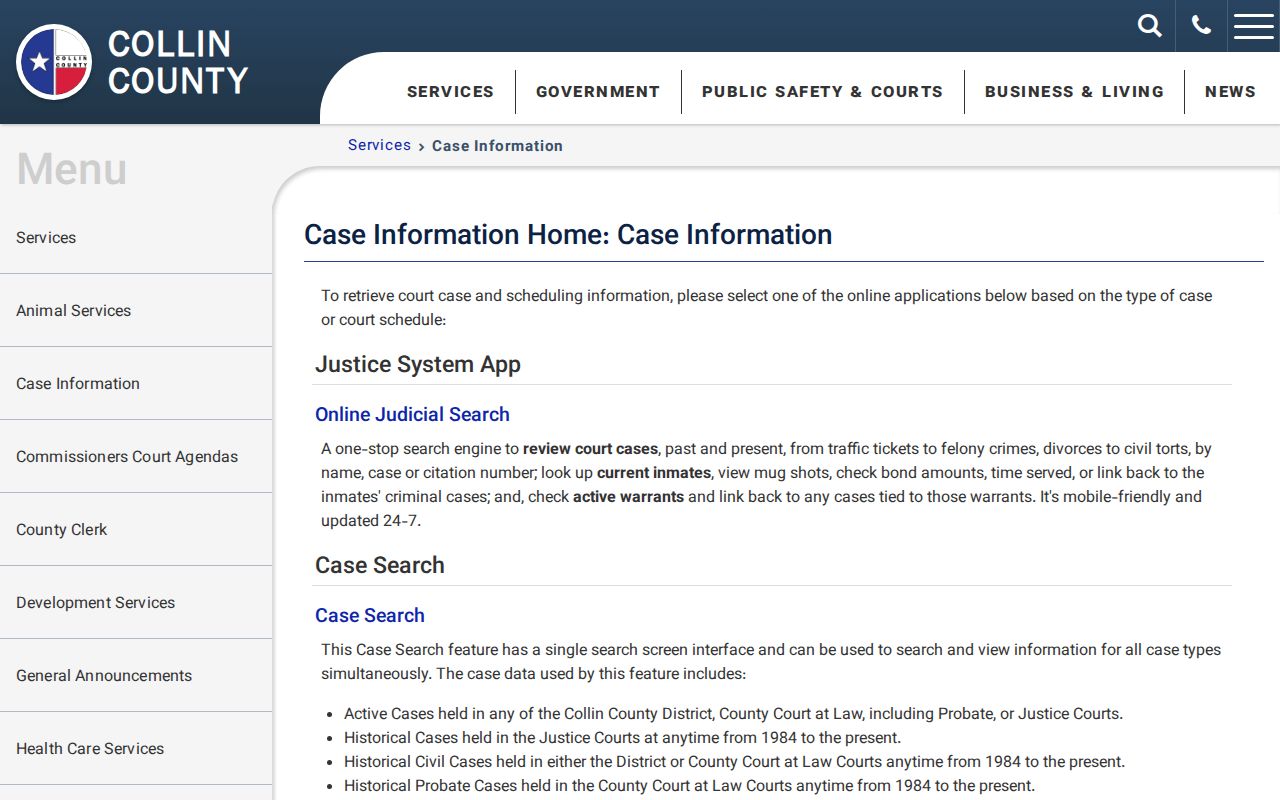
That split matters because a case result, a category inquiry, and a calendar each answer a different question.
Collin County All-Type Search
Judicial Online Search works well when the exact court is unknown. One query covers active case types across District Courts, County Courts at Law, probate, and Justice Courts. That coverage is according to the county. It is a locator. It does not promise that every pleading image is free online. Data updates daily at 6 p.m. A new filing or a change may wait for the next cycle.
History shapes the results too. JP, District and County civil, and probate coverage begins in 1984. District criminal coverage begins in 1988. County Court at Law criminal coverage begins in 2000. A file older than those cutoffs may still sit with the clerk even when the online query returns nothing.
The official all-case application is the countywide entry point.
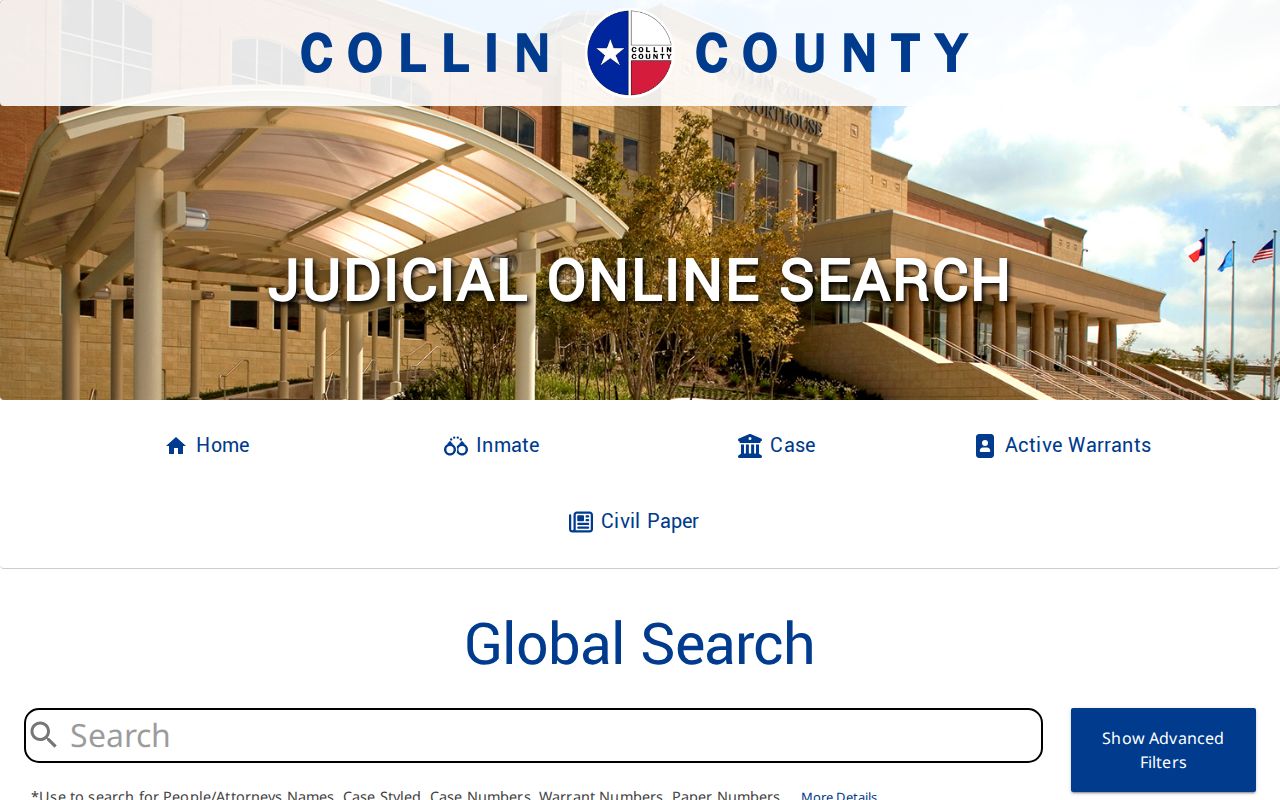
Save the cause number from any useful match. It is the cleanest key for later clerk and calendar work on that case.
Searching by Case Number
A known cause number beats a name for precision. Collin County's request form calls it the case number. Local pages also say cause number. There is no one universal format across District, CCL, JP, probate, and municipal matters. Enter the identifier exactly as printed, letters, punctuation, and leading zeros included. Think COURT-ASSIGNED CAUSE NUMBER, not an invented pattern.
Use the number to confirm the court as well as the case. Similar party names do show up in separate matters. Does the portal reject a copied number? Check whether the notice came from a municipal court, JP precinct, County Court at Law, or District Court. A city citation or violation number belongs in that city's system.
Collin Search App Errors
The direct Case Search application sometimes loads a shell and then throws an error. That is not proof a case is absent. Start over at Case Information. Try Case Record Inquiry for the correct category. You can also call the proper clerk. Do not bend a name until it yields a convenient match.
The direct official route shows the application itself.
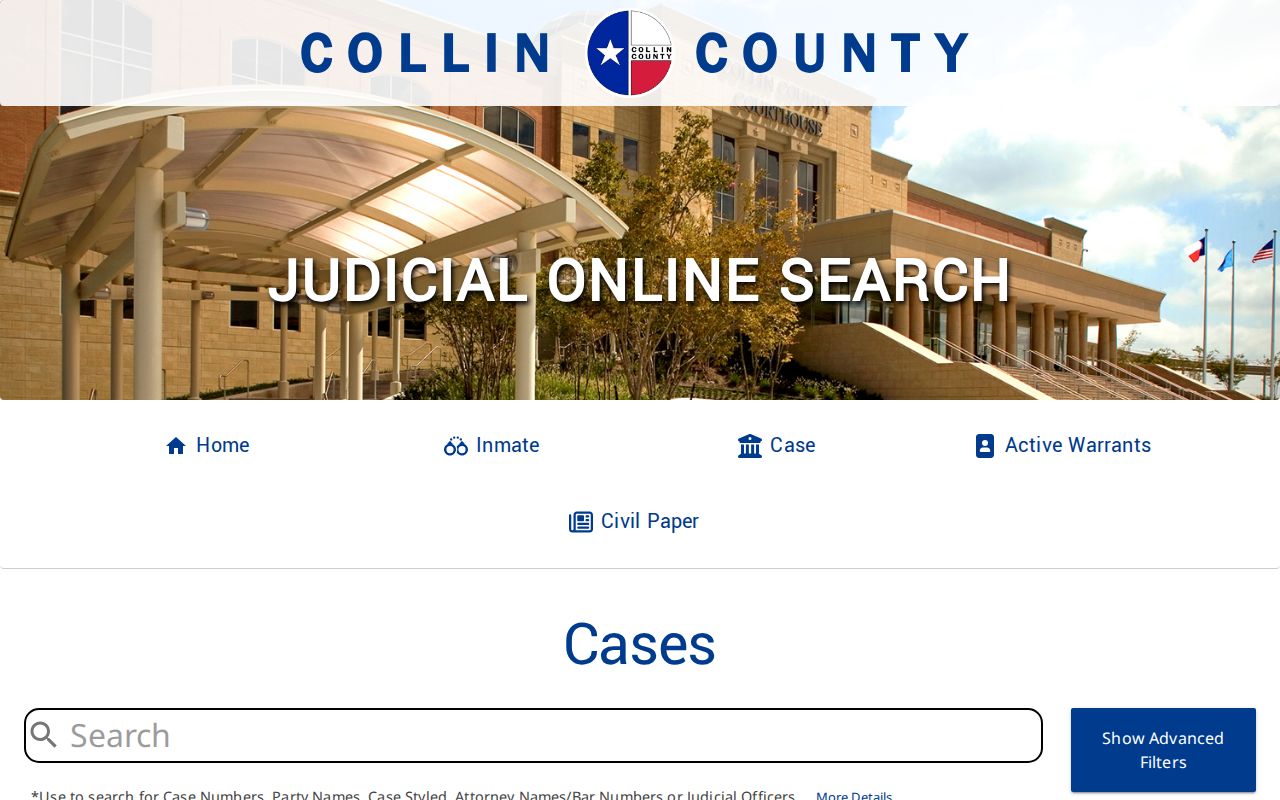
The captured error state shows why the clerk fallback remains important.
What a Case Search Returns
A public result identifies a case, but the field depth varies. Read the docket chronology before drawing any conclusion. A filed motion is a request, not a ruling. A notice of setting does not prove the hearing occurred. A reset means the newest date controls. A document link, when present, is not a clerk-certified record.
| Case or cause number | The stable identifier for a clerk request or court call. |
|---|---|
| Court and category | District, CCL, probate, JP, family, criminal, civil, or another type. |
| Style and parties | The caption and public party roles, which may be abbreviated. |
| Filed date and status | Opening date and current label such as open, closed, or disposed. |
| Register events | Filings, notices, orders, pleas, settings, resets, and judgments. |
| Documents and financials | Only when published; access and copy charges differ. |
Need the actual pleading, order, or certified judgment behind a docket entry? Use the Collin County court records process.
Collin County Historical Cutoffs
A blank result does not mean no file exists. The District Clerk keeps District criminal records from 1800 through 1987. Civil records before 1984 are handled by manual request. Older CCL criminal and civil files may need manual work as well. Both offices publish a $5 search fee. It applies when the cause number or needed pleading is unknown.
For an older file, give the clerk a full name, date of birth when relevant, estimated filing date, case type, and known court.
The District Clerk takes requests in person, by mail, or by email, but performs no record search by phone. Phone staff can route a request. CCL manual searches go in person or by mail with the details and payment that office requires.
Statewide vs County Case Search
re:SearchTX adds a statewide layer. Its official guide describes tabs for Cases, Filings, Text in Documents, and Hearings, plus location and category filters, advanced search, saved searches, and export controls. The account path runs through eFileTexas. For a known Collin County matter, start with county tools, because their coverage and timing are stated locally.
| re:SearchTX | Collin County tools |
|---|---|
| Statewide participating-court layer | Collin District, CCL, probate, and JP routing |
| Cases, filings, text, and hearing tabs | All-type search plus Inquiry and Calendar |
| Account and sign-in path | County public entry pages |
| Useful for cross-county work | Best first stop for a known local case |
The official statewide landing page displays the second layer.
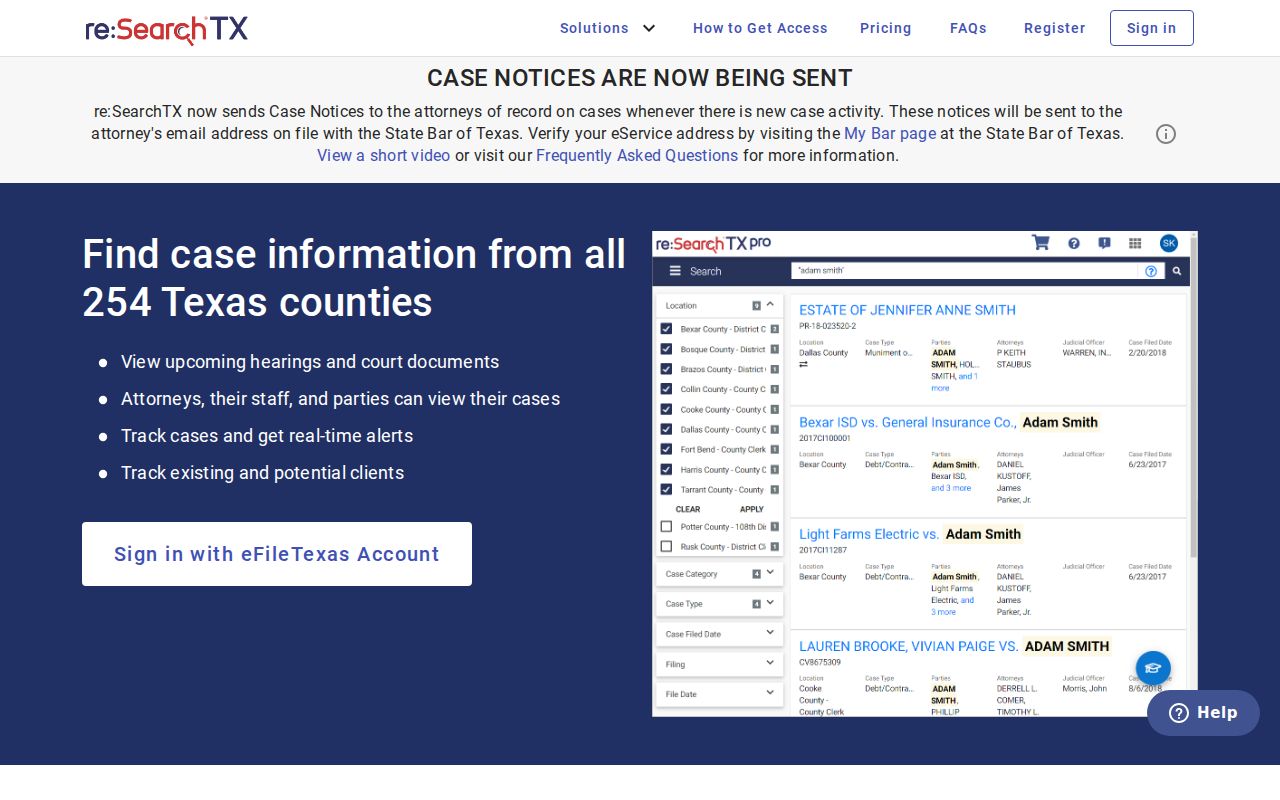
Statewide results do not replace a certified copy from the Collin clerk.
Collin Case Search Timing
Collin County's Case Search refreshes daily at 6 p.m. Case Record Inquiry and Court Calendar run in real time instead. So the systems can disagree for a short stretch after a filing or docket change. Before a hearing, weigh the newest docket event against the calendar, then call the assigned court to confirm. An old result never means a case was dropped.
If a portal lets you down, the clerk's counter and public terminal work during clerk hours, and a mailed or emailed request will too. Routing matters here. District records belong to the District Clerk, while the County Clerk holds misdemeanor, County Court at Law civil, and probate records. Justice of the Peace and municipal clerks each keep their own dockets.
Access and Restricted Cases
Two rules shape access to Collin County court records. Texas Rule of Judicial Administration 12 is the main framework for judicial records. Texas Government Code section 552.0035 sends judiciary access back to those court rules and any other applicable law. Rule 76a presumes court records are open. Sealing orders, sensitive-data rules, and statutes can still block the public view.
Redaction is common for Social Security and driver-license numbers. It also covers passport data, financial accounts, birth dates, minors' names, and home addresses. Juvenile records get separate protection under Family Code Chapter 58. A docket search may hide a party or document. It may mark a case restricted, or return nothing at all. Ask the responsible clerk for the public version or a Rule 12 determination. These records serve your own case, hearing checks, and public proceedings. Confirm identity and status with the originating court.
Collin County Search Routes
Pick your route by what you already know. With no court named, start with the all-type search. If you know the category, Case Record Inquiry narrows the docket search to Criminal, Probate, Magistrate, Civil, Family, or Justice of the Peace. Chasing a court date? Use Court Calendar. When nothing resolves it, call the likely clerk: the District Clerk records line is 972-548-4106, and County Court at Law case questions go to 972-548-6420 or 972-548-6422. JP and municipal matters stay with their own clerks.